Lift. Your watch logs it.
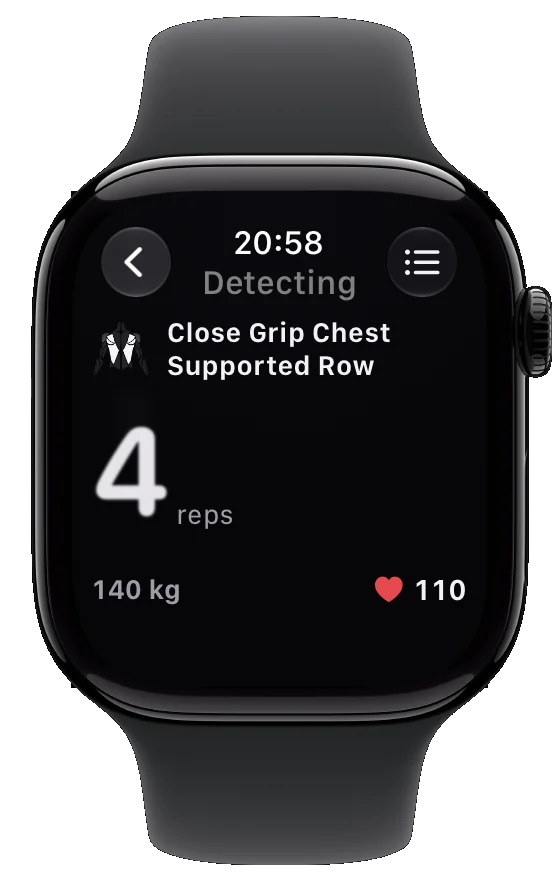
The FORCE Watch app finds each set from your wrist motion, names the exercise, counts the reps and starts your rest timer. Confirm with one tap and keep training.
Just lift. Your Apple Watch logs the set.
Start the workout once and leave your phone in your bag. FORCE's own motion model on your wrist finds each set, names the exercise and counts the reps.
It finds the set
You start lifting, and the watch sees it from your wrist motion.
It names the exercise
The model reads the movement and names the exercise. Change it with a tap if you need to.
It counts every rep
The count goes up on your wrist while you lift.
It logs the set and starts your rest
Confirm with one tap. The set goes to your iPhone, and the rest timer starts.
Automatic tracking is part of FORCE Plus.
Less phone, more training.
Logging every set on a phone breaks your focus. With FORCE on your wrist, the set is found and counted while you lift.
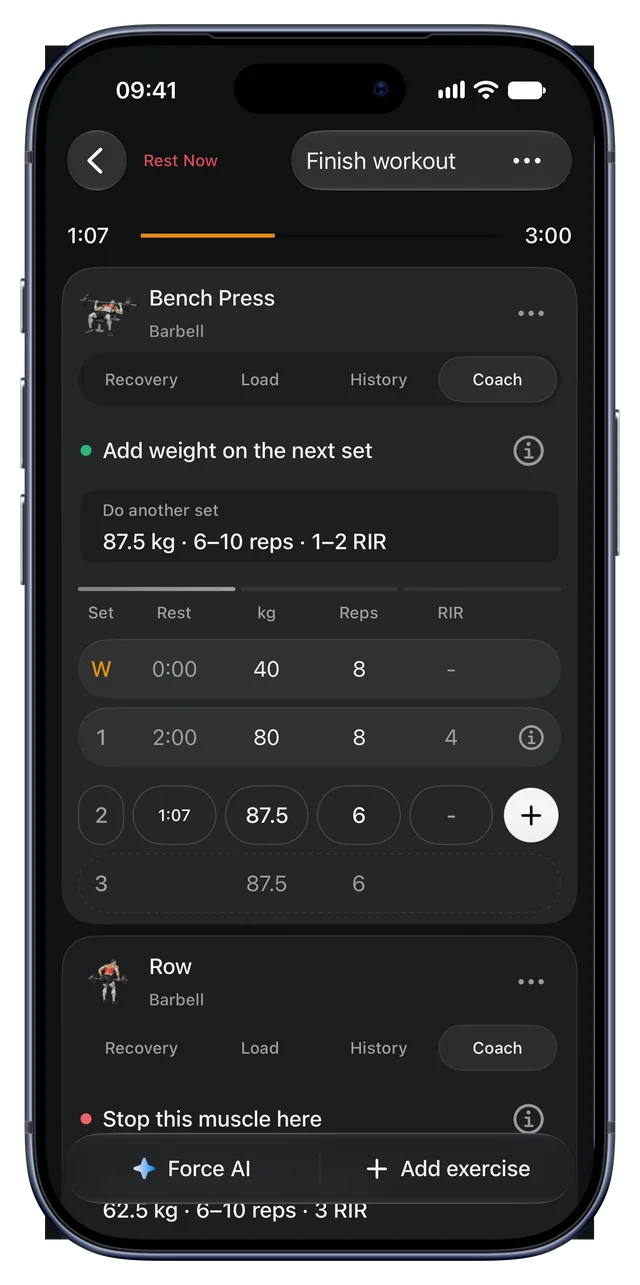
Your sets go to your iPhone, so the coach and recovery use them right away.
Set detection
FORCE notices when a set starts and ends from your wrist motion.
Exercise names
The model names the exercise from the movement. You can change it with a tap.
Rep counting
It counts the reps. Correct them with the Digital Crown if you need to.
Rest timer
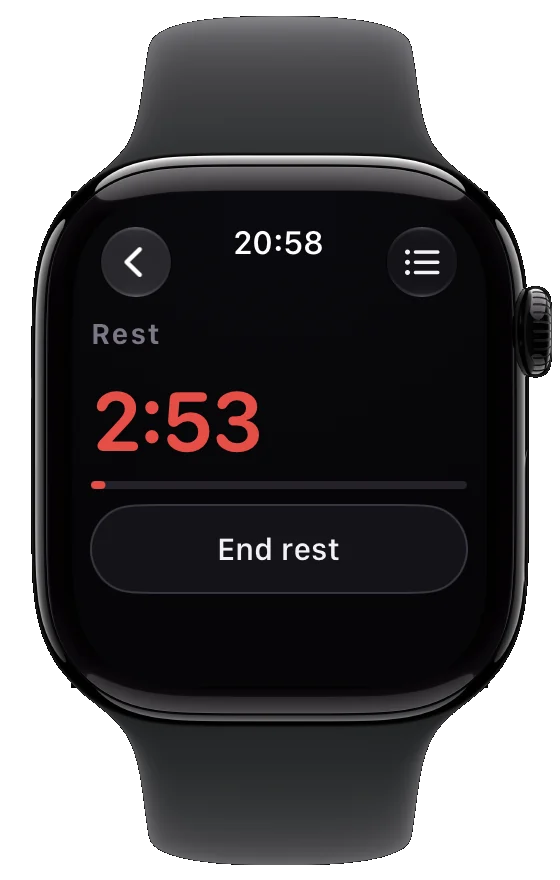
Rest starts after the set and shows on your wrist.
Rest on your wrist.
Your rest timer runs on the watch, and the next set is ready when you are.
Questions about apple watch.
Does FORCE count reps on Apple Watch?
Yes. The Watch app counts reps from wrist motion. Automatic tracking is part of FORCE Plus.
Do I need my iPhone at the gym?
Keep it nearby, in your bag or pocket. The watch sends your sets to it.
Can I log sets on the watch by hand?
Yes. You can set the reps and log the set on the watch.
Which Apple Watch do I need?
An Apple Watch that runs the current watchOS. Check the App Store listing for the minimum version.

Try it on your next workout.
FORCE is free to start, on iPhone and Apple Watch.
Get FORCE on the App Store